
Asset Specifications
| File Formats | Layered PSD (Smart Objects), JPG Preview |
| Resolution | 3000 x 2000 px / 300 DPI Smart Object |
| Color Modes | RGB / CMYK 300 DPI |
| Layered / Smart Object | Yes (Smart Object Replacement) |
| Software Compatibility | Adobe Photoshop CS6+, Photoshop CC, Photopea |
| License | Free Commercial Use |
23,148
Views
12,944
Downloads
1,300
Likes
30.5 MB
Size
Free Commercial License
Archive: 30.5 MB
Free Download (Full ZIP Archive)
100% Free for commercial & personal presentation use
Zero attribution required (royalty-free)
High-resolution layered PSD with smart objects
About This Mockup
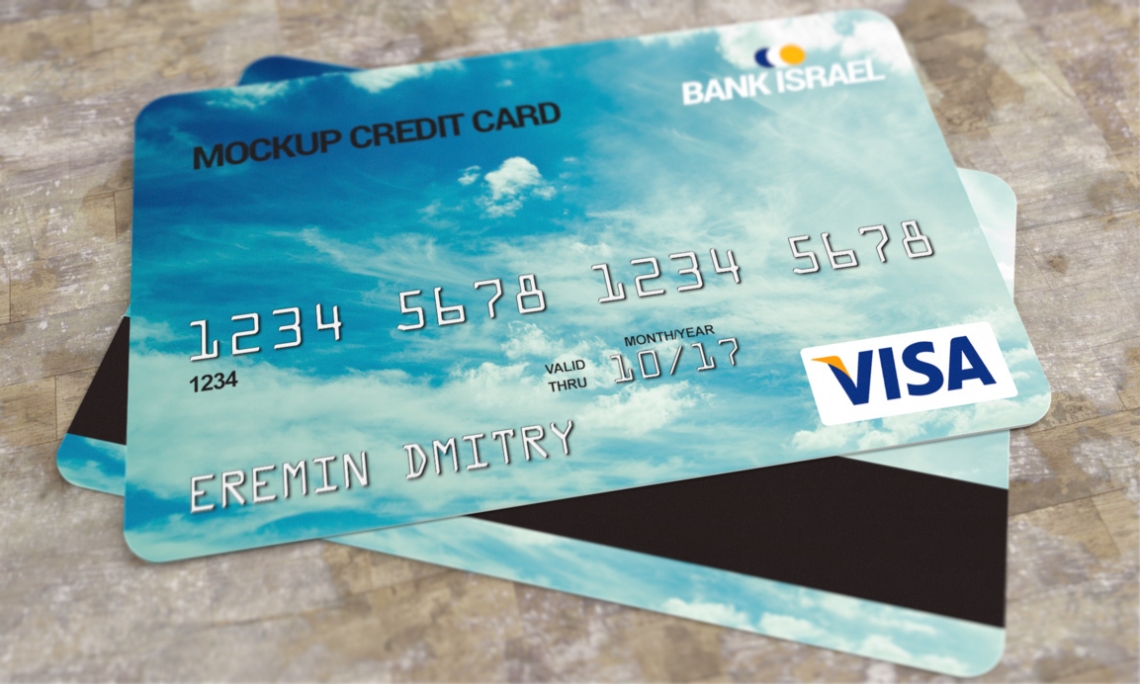
Give your creative concepts an authentic, tactile presence with this meticulously detailed Credit Card Mockup mockup. Designed to accelerate your visual workflow, it offers pre-configured lighting balances and depth settings that make any design feel like a finished product ready for print or production.
Featuring full Smart Object integration in Adobe Photoshop and Photopea, swapping your graphics takes only a few clicks. The template preserves natural paper texture and ambient light gradients across your imported artwork, giving you publication-ready assets with zero fuss.
How To Use This Mockup
-
Open in Photoshop: Open the extracted
.psdfile in Adobe Photoshop or Photopea. - Replace Smart Object: Double-click the highlighted "Your Design Here" Smart Object layer.
- Save & Export: Paste your artwork, save the smart object tab (Ctrl+S / Cmd+S), and export your high-res render.