
Asset Specifications
| File Formats | PSD Smart Object Mockup |
| Resolution | 3000 x 2000 px / 300 DPI Smart Object |
| Color Modes | RGB / CMYK 300 DPI |
| Layered / Smart Object | Yes (Smart Object Replacement) |
| Software Compatibility | Adobe Photoshop CS6+, Photoshop CC, Photopea |
| License | Free Commercial Use |
22,202
Views
12,256
Downloads
870
Likes
35.7 MB
Size
Free Commercial License
Archive: 35.7 MB
Free Download (Full ZIP Archive)
100% Free for commercial & personal presentation use
Zero attribution required (royalty-free)
High-resolution layered PSD with smart objects
About This Mockup
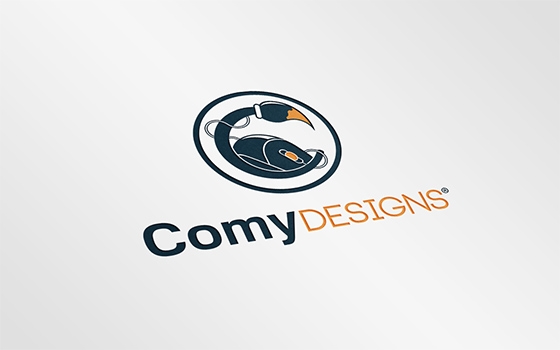
Download Realistic Logo Mock-up free realistic PSD mockup template with smart object layers. Free for personal and commercial use on Pixsector.
Elevate your graphic design portfolio and impress clients with this hyper-realistic mockup template. Features easy-to-use Photoshop smart object layers allowing you to double click, paste your design, and save in seconds.
How To Use This Mockup
-
Open in Photoshop: Open the extracted
.psdfile in Adobe Photoshop or Photopea. - Replace Smart Object: Double-click the highlighted "Your Design Here" Smart Object layer.
- Save & Export: Paste your artwork, save the smart object tab (Ctrl+S / Cmd+S), and export your high-res render.